
Introduction: The Hidden Gems of Digital Workflows
Have you ever struggled to find the right tools for your tasks but resulted in vain or ended up with paying too much for popular tools that can be easily replaced by other alternatives?
In today’s crazy-fast digital world, getting things done means having the right tools for the job. Sure, everyone knows about the big guys like Microsoft Office and Google Workspace, but there’s a whole bunch of smaller, specialized online tools out there that can be way better for specific tasks. These underrated apps focus on doing one thing really well, tackling those annoying problems we all face at work—whether it’s dealing with documents, working together, designing stuff, or just trying to be more productive.
So, I’ve put together a list of 20 lesser-known tools that can seriously boost your office productivity. What’s cool about them is that they’re super focused, flexible, and easy to use. They’re built to solve specific issues you might be dealing with every day. Unlike those huge office suites that try to do everything, these tools zoom in on particular problems, giving you simple interfaces and features that save you time and make things less complicated. If you’re looking to upgrade your digital toolbox, checking out these hidden gems can really pay off.
These 20 tools are worth a look because they each bring something unique and practical to the table. I’ve broken them down by what they’re mainly used for, with details on their features, pricing, and what makes them special.
Writing & Content Creation Tools
1. Senja: Automated Testimonial Management
Overview
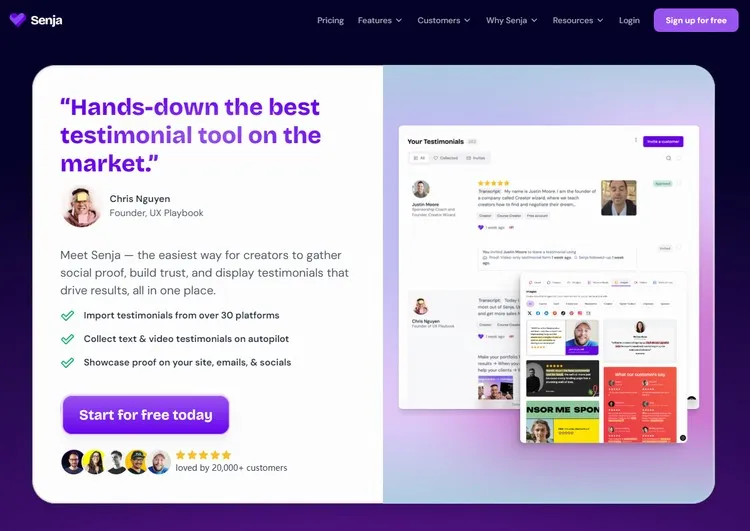
Senja specializes in collecting and displaying customer testimonials through automated workflows. It simplifies the process of gathering feedback and transforming it into social proof that can be embedded across your websites and marketing materials
Pros:
- Streamlines testimonial collection with automated requests.
- Provides customizable display widgets for websites.
- Integrates with popular CRM and marketing platforms.
- Helps build credibility and trust with potential customers.
Cons:
- Limited functionality beyond testimonial management
- May require additional tools for comprehensive review management
Pricing:
- Free forever plan available.
- Starter Plan starts at US$29/month billed monthly or US$24/month billed annually.
- Pro Plan starts at US$59/month billed monthly or US$49/month billed annually.
2. Copy.ai (GTM AI): AI-Powered Content Generation
Overview:
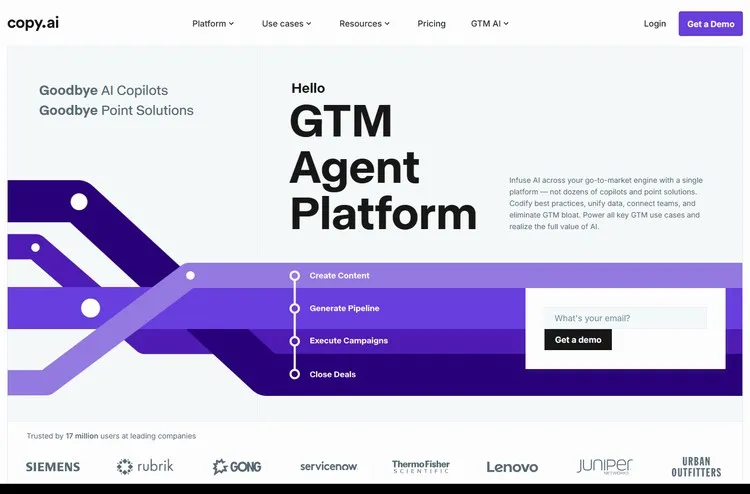
Copy.ai uses artificial intelligence to generate marketing copy, blog outlines, product descriptions, and various other content types. It’s particularly valuable for creating your first drafts.
Pros:
- Generates content quickly across multiple formats.
- User-friendly interface requiring no technical expertise.
- Offers templates for common content needs.
- Supports multiple languages.
Cons:
- Content may require editing for brand voice alignment.
- Limited customization options for advanced users.
Pricing:
- Chat Plan starts at US$29/month.
- Agents Plan begins at US$249/month.
3. Grammarly: AI Writing Assistant
Overview:
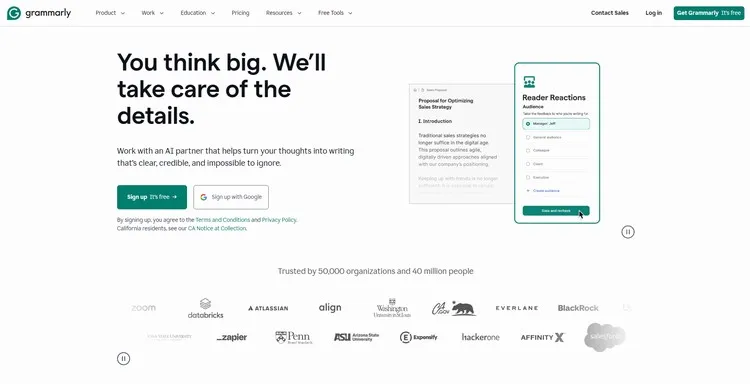
Grammarly PRO extends the capabilities of standard Grammarly by providing AI-powered writing suggestions, tone adjustments, and content generation features tailored for professional communication.
Pros:
- Integrates seamlessly with email clients and document editors.
- Provides real-time suggestions for improvement.
- Adapts to individual writing style over time.
- Offers both correction and enhancement features.
Cons:
- Requires consistent internet connection.
- Premium features come at additional cost.
Pricing:
- Free version available.
- Premium plans start at approximately US$12/month.
4. QuillBot: Advanced Paraphrasing Tool
Overview:
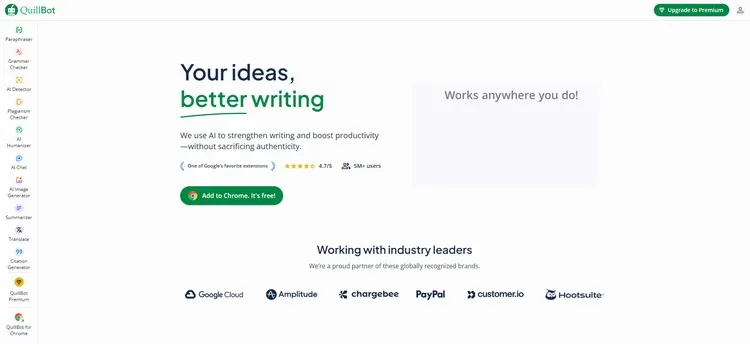
QuillBot specializes in rephrasing text while maintaining original meaning, making it invaluable for content creators, academics, and professionals who need to refine or repurpose existing content.
Pros:
- Offers multiple rewriting modes for different contexts.
- Integrates with browsers and word processors.
- Includes grammar checking and plagiarism detection.
- Supports academic and technical writing styles.
Cons:
- May occasionally alter intended meaning in complex texts.
- Free version has usage limitations.
Pricing:
- Free basic version.
- Premium plans start at US$9.95/month.
SEO & Marketing Tools
5. Ubersuggest: Comprehensive SEO Platform
Overview:
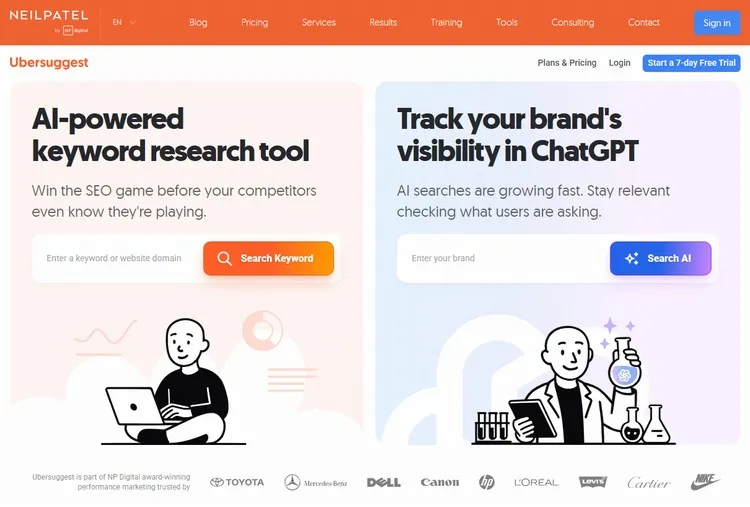
Ubersuggest provides keyword research, competitive analysis, and SEO auditing capabilities in an accessible interface, making professional SEO tools available to small businesses and individual marketers.
Pros:
- Combines multiple SEO functions in single platform.
- Provides actionable insights for content optimization.
- Offers competitor analysis features.
- User-friendly for SEO beginners.
Cons:
- Less comprehensive than enterprise-level alternatives.
- Limited historical data compared to premium tools.
Pricing:
- 7-day free trial.
- Paid plans start at US$12/month.
- Life-time plans start at US$120.
6. Jasper AI: AI built for marketers
Overview:
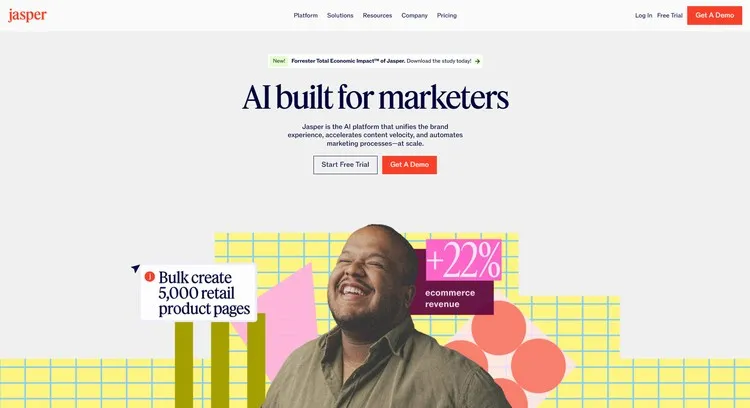
Jasper is a powerful AI writing assistant designed for teams and businesses, focusing on generating marketing copy, blog posts, and social media content while maintaining brand consistency.
Pros
- Exceptional for short-form marketing content.
- Features a robust brand voice customization tool.
- Includes a grammar checker and plagiarism detection.
- Integrates with Surfer SEO for content optimization.
Cons
- Can be expensive for individual users.
- The AI can sometimes produce generic content that requires human refinement.
**Pricing:
- 7-day free trial.
- Pro plan starts at US$69/month/seat or US$59/month/seat if billed annually.
7. Surfer SEO: Boost visibility in Google, ChatGPT, and beyond
Overview:
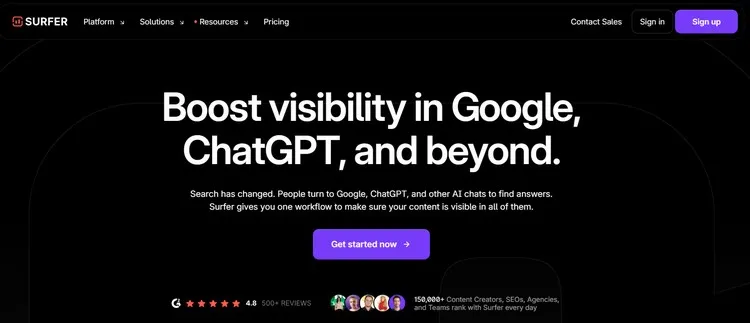
Surfer is a data-driven SEO platform that analyzes top-ranking pages to provide a detailed “Content Score” and checklist for on-page optimization, including recommended keyword usage, content length, and structure.
Pros:
- Data-driven recommendations take the guesswork out of SEO.
- Includes an AI outline generator and a real-time content editor.
- Integrates with Google Docs and WordPress.
Cons:
- Primarily focused on on-page SEO.
- Users still need to create high-quality content around the data points.
Pricing:
- Monthly plans start at US$99/month.
- Yearly plans start at US$79/month
8. VidIQ: YouTube SEO Optimization
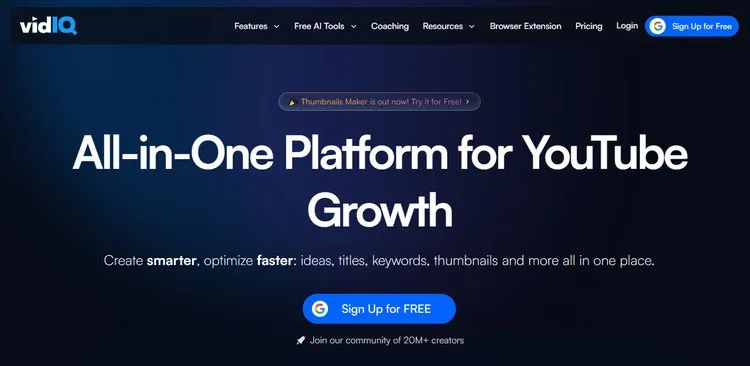
Overview:
VidIQ specializes in YouTube channel optimization, providing keyword research, competitor analysis, and performance tracking specifically designed for video content.
Pros:
- Tailored specifically for YouTube platform.
- Provides real-time video optimization suggestions.
- Offers competitor channel analysis.
- Helps identify trending topics and keywords.
Cons:
- Limited utility for non-YouTube content.
- Advanced features require premium subscription.
Pricing:
- Free basic version.
- Boost plan starts at US$16.58/month, US$199/12 months.
- Coaching plan starts at US$99/month, US$1188/12 months.
Design & Creative Tools
9. Remove.bg: AI Background Removal

Overview:
Remove.bg uses artificial intelligence to automatically remove backgrounds from images, saving significant time compared to manual editing in traditional graphic software.
Pros:
- Processes images in seconds with single click.
- Handles complex edges like hair effectively.
- No design skills required.
- API available for batch processing.
Cons:
- Free version provides lower resolution downloads.
- Limited to background removal functionality.
Pricing:
- Free with 1 trial credit.
- Monthly and Yearly plans.
- Monthly plans start from US$9/month.
- Yearly plans start from US$8.1/month (10% OFF).
- Pay as you go plan starts from US$3 for 3 credits.
10. Durable.co: AI Website Builder
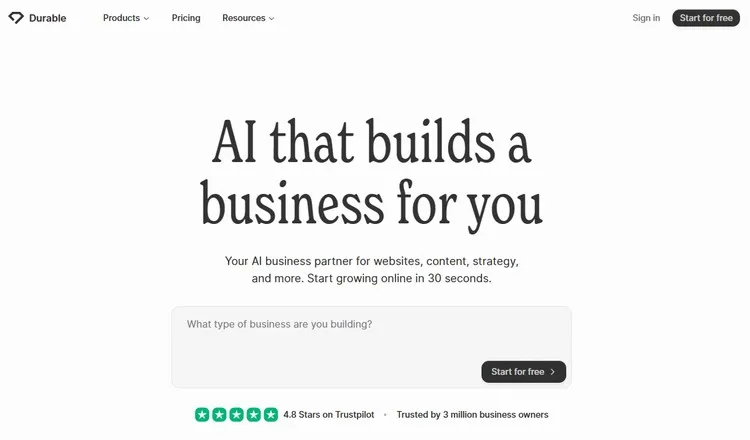
Overview:
Durable.co uses artificial intelligence to build complete websites in 30-60 seconds, making it possible for businesses to establish an online presence rapidly without technical expertise.
Pros:
- Extremely fast website generation.
- Includes copywriting and image selection.
- No coding skills required.
- Suitable for small business websites.
Cons:
- Limited customization options.
- Not ideal for complex website needs.
Pricing:
- Free plan with no credit card required.
- Paid plans start at $15/month, and 20% up to 30% OFF if billed annually.
11. GitMind: Collaborative Mind Mapping
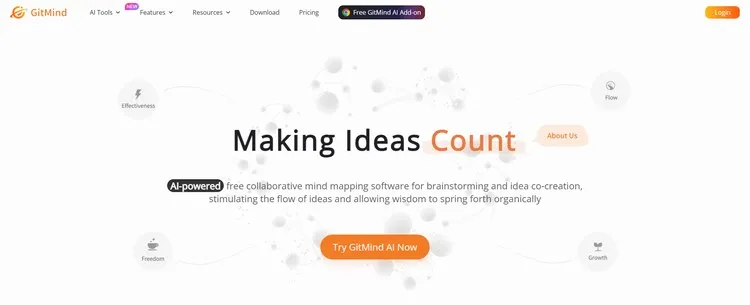
Overview:
GitMind offers online mind mapping and brainstorming tools that facilitate visual thinking and collaborative planning, making it valuable for project planning and idea organization.
Pros:
- Supports real-time collaboration.
- Offers various template options.
- Exports to multiple formats.
- Intuitive drag-and-drop interface.
Cons:
- Free version has limited storage.
- Advanced features require subscription.
Pricing:
- Free basic version.
- Monthly plans start at US$19/month.
- Yearly plans start at US$4.08/month.
12. Looka: AI-Powered Logo Design

Overview: Looka uses artificial intelligence to generate professional logo designs based on user preferences, making quality branding accessible to businesses with limited design budgets.
Pros:
- Generates multiple design options quickly.
- Learns from user preferences and feedback.
- Provides complete brand identity packages.
- No design experience required.
Cons:
- AI-generated designs may lack human touch.
- Limited revision options compared to human designers.
Pricing:
- Free logo designs with watermarks.
- One-time payment of $20 for high-resolution files.
- Brand kits from $96.
Productivity & Collaboration Tools
13. Otter.ai: Meeting Transcription Service
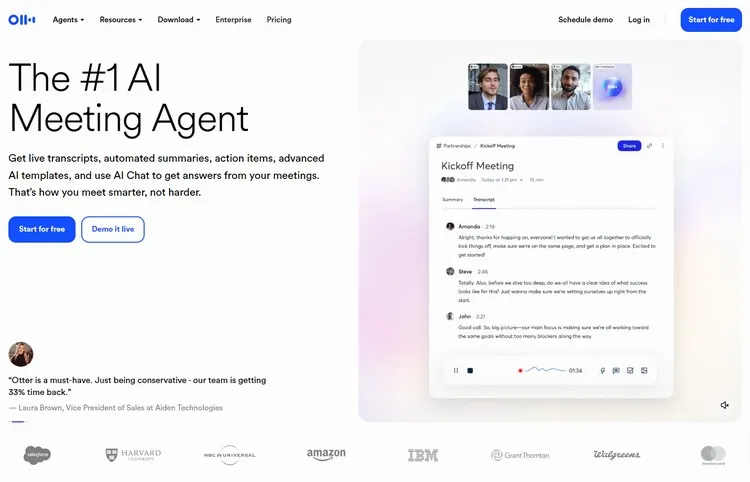
Overview:
Otter.ai provides real-time transcription services for meetings, interviews, and conversations, making it easier to capture and reference important discussions.
Pros:
- Accurate real-time transcription.
- Identifies different speakers automatically.
- Searchable transcript archive.
- Integrates with Zoom and other platforms.
Cons:
- Free plan limited to 300 minutes monthly.
- Accuracy may vary with audio quality and accents.
- Desktop App is only limited to macOS.
Pricing:
- Free plan with 300 monthly transcription minutes.
- Pro plans start at US$16.99/user/month or US$8.33/user/month if billed annually.
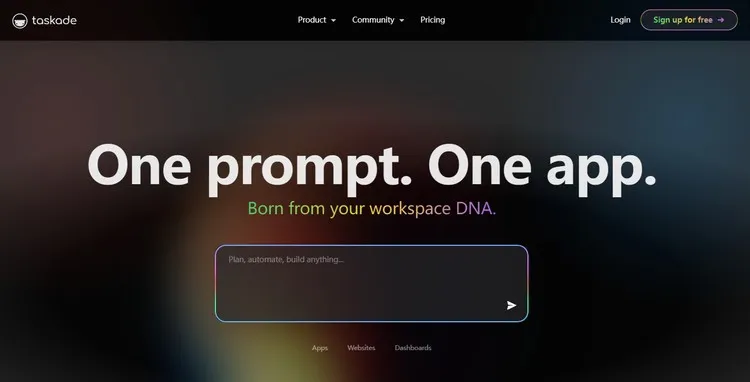
14. Taskade AI: Collaborative Workspace
Overview:
Taskade AI combines task management, note-taking, and video collaboration in a unified platform enhanced with artificial intelligence for workflow optimization.
Pros:
- All-in-one workspace reduces app switching.
- AI helps generate task lists and outlines.
- Real-time collaboration features.
- Multiple view options (list, board, calendar).
Cons:
- May have learning curve for complex workflows.
- Mobile app less feature-rich than desktop version.
Pricing:
- Free plan with 3 AI apps and Basic AI models.
- Premium plans start at US$20/month or US$16/month if billed annually.
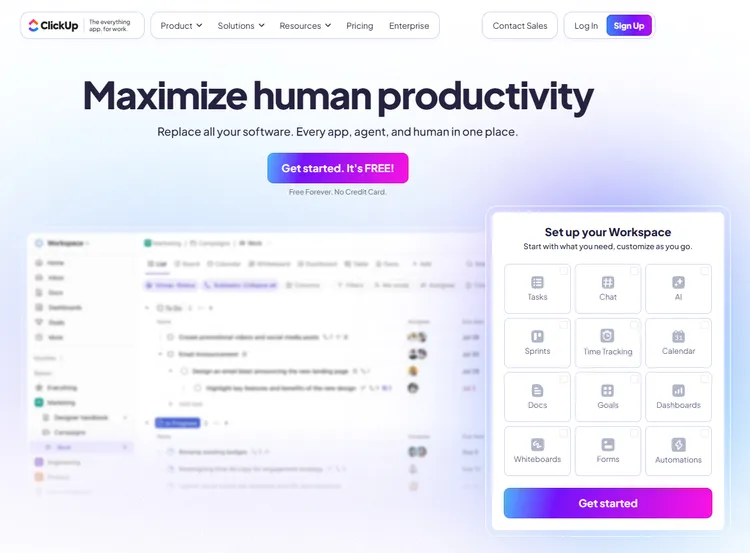
15. ClickUp AI: Project Management Enhancement
Overview:
ClickUp AI integrates artificial intelligence into the ClickUp project management platform, providing automated summaries, task generation, and productivity insights.
Pros:
- Enhances existing project management features.
- Generates meeting summaries and action items.
- Provides writing assistance within tasks.
- Learns from team workflows.
Cons:
- Requires existing ClickUp adoption.
- AI features add cost to base platform.
Pricing:
- Free forever plan for individuals.
- Business plans with AI start at US$10/month per user or US$7/month/user if billed annually.
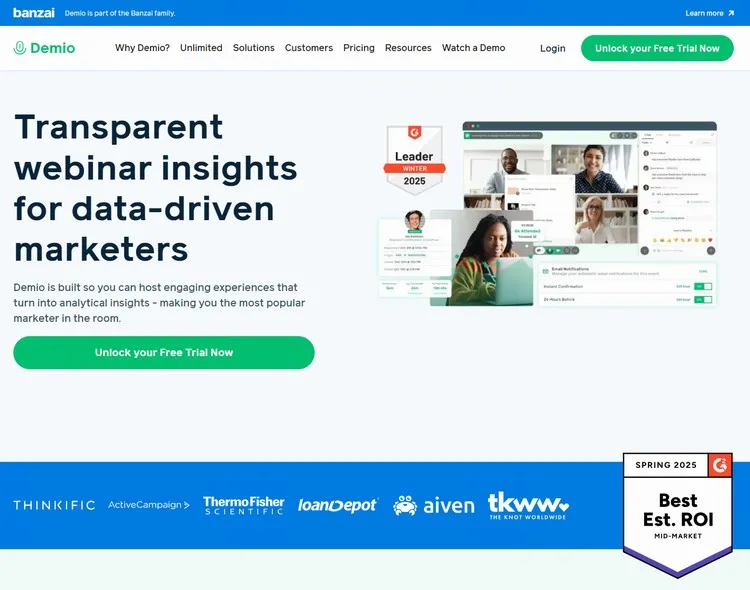
16. Demio: Hassle-Free Webinar Platform for Marketers
Overview:
Demio specializes in hosting live and automated webinars with a focus on engagement features, making it easier to conduct effective online presentations and training sessions.
Pros:
- User-friendly interface with minimal setup.
- Engagement features like polls and Q&A.
- Automated webinar functionality.
- Good integration options.
Cons:
- Higher pricing than some alternatives.
- Limited customization options.
Pricing:
- Starts at US$63/month or US$45/month for annual billing.
- No free plan but offers 14-day trial.
Automation & Utilities
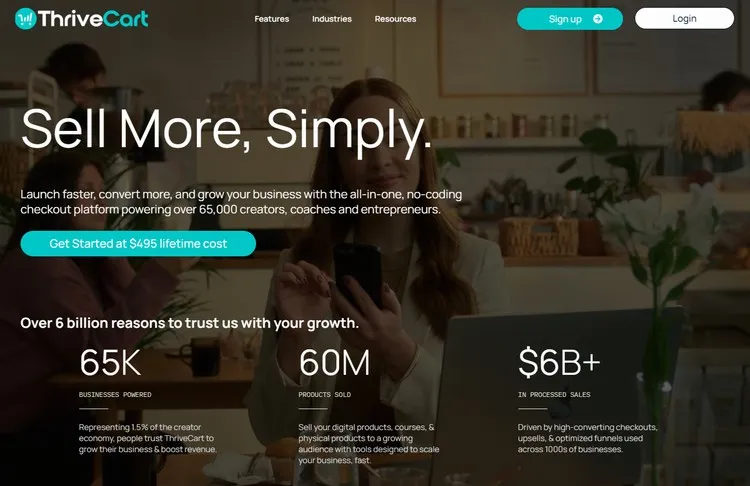
17. Thrivecart: E-commerce Checkout System
Overview:
Thrivecart focuses specifically on optimizing the checkout process for online sales, with advanced features for conversion optimization and cart recovery.
Pros:
- One-time payment model (no ongoing subscriptions).
- Advanced conversion features like upsells.
- Comprehensive affiliate management.
- Integrates with multiple payment processors.
Cons:
- Higher upfront cost.
- Limited beyond checkout functionality.
Pricing:
- US$495 one time payment for Basic plan.
- US$790, and then US$295/year from year 2 for Pro+ plan.
- US$985, and then US$295/year from year 2 for Ultimate Bundle plan.
18. Wave: Free Accounting Software
Overview:
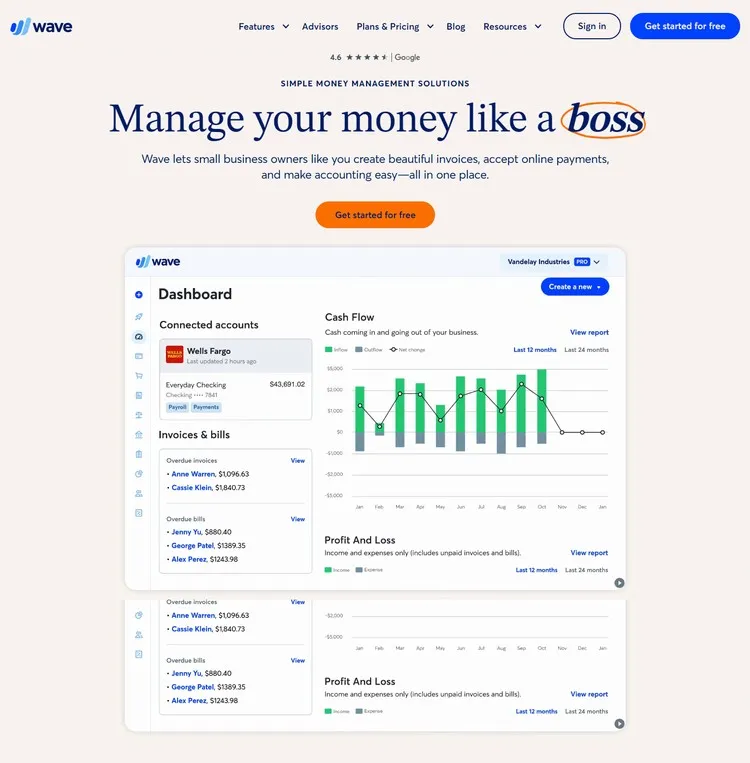
Wave provides comprehensive accounting, invoicing, and receipt scanning tools specifically designed for small businesses and freelancers, with a focus on accessibility.
Pros:
- Completely free for accounting features.
- User-friendly interface.
- Includes invoice and receipt management.
- Suitable for non-accountants.
Cons:
- Paid payment processing required for transactions.
- Limited advanced accounting features.
Pricing:
- Free start plan with 2.9% + US$0.60 per credit card transaction or 3.4% + US$0.60 per Amex transaction.
- Pro plan starts at US$19/month or US$190/year with no fixed fees for both transaction types.
19. 10Web: One AI platform to build, host and scale your website
Overview:
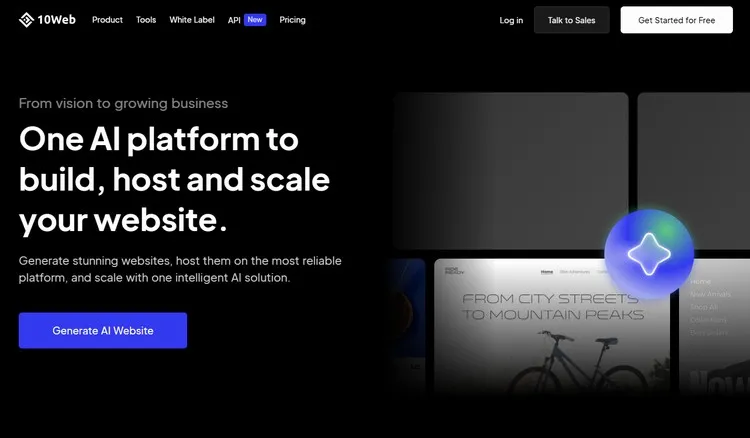
10Web is a powerful AI-powered WordPress website builder that combines the flexibility of WordPress with the speed of AI automation. It distinguishes itself by offering a complete suite of tools, including automated hosting on Google Cloud, a PageSpeed booster for performance, and a unique feature that allows you to recreate an existing website just by entering its URL. This makes it ideal for businesses looking to rebuild or get inspired by competitors’ sites quickly.
Pros:
- Comprehensive WordPress Solution: Unlike builders that create proprietary sites, 10Web builds on WordPress, giving you full control and access to the vast WordPress ecosystem of themes and plugins, but without the typical technical setup.
- AI-Based Recreation Tool: A standout feature that allows you to generate a website similar to any site you admire, providing a fantastic head start on design and layout.
- All-in-One Platform: Includes automated hosting, real-time backups, security features, and an AI business name generator, reducing the need to manage multiple services.
- Strong Performance Focus: The built-in PageSpeed Booster is designed to optimize website loading times, a critical factor for SEO and user experience
Cons:
- WordPress-Centric: While a pro for many, it may introduce a steeper learning curve compared to more closed systems like Durable for users entirely unfamiliar with WordPress.
- Higher Price Point: With plans starting at approximately $16/month, it is more expensive than some other niche builders, though it includes hosting and premium features.
Pricing:
- Business plan starts at US$20/month or US$10/month if billed annually.
- Ecommerce plan starts at US$21/month or US$11/month if billed annually.
- Agency plan starts at US$48/month or US$24/month if billed annually.
20. Dripify: LinkedIn Automation Software
Overview:
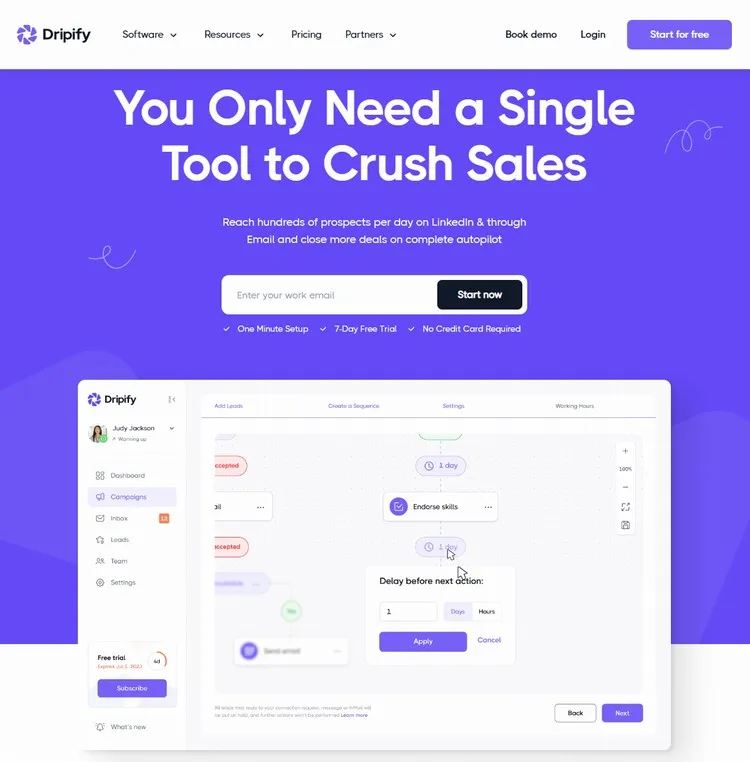
Dripify is an automation tool for LinkedIn, designed to help users generate leads by automating connection requests, follow-up messages, and profile visits with a customizable workflow.
Pros:
- Helps automate and scale LinkedIn outreach efforts.
- Includes a CRM to manage leads.
- Intuitive workflow builder.
Cons:
- Must be used cautiously to comply with LinkedIn’s terms of service and avoid appearing spammy.
Pricing:
- 7-day free trial with no credit card required.
- Paid plans start at US$59/month/user or US$39/month/user if billed annually.
Conclusion: Building Your Optimal Toolset
Instead of just sticking to the big-name platforms, the best digital workspaces usually mix in specialized tools that patch up any weak spots. Adding in some of these lesser-known tools can really help you create a customized setup that boosts both how well and how efficiently you work.
And hey, the tools I mentioned are just the tip of the iceberg. Since creating software is becoming easier and easier, we’re going to see even more of these specialized productivity tools pop up, each tackling specific issues in the workplace.
But here’s the thing: it’s not just about finding cool apps. What really matters is picking tools that solve real problems and using them regularly. Even the fanciest tool is useless if it just sits there, not part of your daily grind.
So, stay curious and keep an eye out for new solutions, but always think about whether they’ll actually be useful. That’s how you keep your digital toolkit fresh and stay productive as things change. The tools we talked about are a great place to start tweaking your setup.