
Let’s face it: shelling out big bucks for SEO tools can feel like a necessary evil when you’re trying to boost your website’s visibility. But what if I told you that you could achieve top rankings without emptying your wallet? As a long-time content creator, I’ve spent years experimenting with various SEO tools, and I’m here to share my top picks for free SEO toolkits that have genuinely delivered results.
In this article, I’ll walk you through 10+ amazing free SEO tools. I’ll give you an overview of each, highlighting their best features, pros, and cons, and even let you know if they have an affiliate program you can join to earn some extra cash. So, let’s dive in!
1. Google Search Console: Your Direct Line to Google 🔍
Overview:
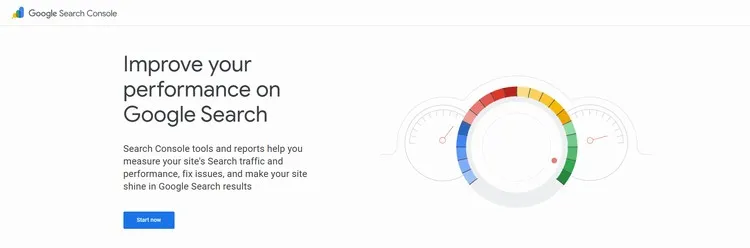
Okay, so Google Search Console (GSC) isn’t just another tool—it’s your direct pipeline to Google. I’ve been using GSC for years, and honestly, it’s non-negotiable for anyone serious about SEO. Think of it as your website’s health monitor, straight from the source. You get to see exactly how Google perceives your site: what keywords you’re ranking for, any errors it finds, and how your mobile experience stacks up.
I use it weekly to check for crawl errors and ensure my sitemap is properly submitted. Plus, the performance reports are goldmines. I tweak content based on the keywords Google tells me I’m already ranking for. It’s like getting insider info, which I then use to fine-tune my content strategy.
Primary Features:
- Performance Reports: Track your website’s clicks, impressions, and ranking positions in Google search results.
- Index Coverage: See which of your pages are indexed by Google and identify any indexing issues.
- Sitemaps: Submit your sitemap to help Google crawl and index your site more efficiently.
- Mobile Usability: Check if your website is mobile-friendly and fix any mobile issues.
- Core Web Vitals: Monitor your website’s performance metrics, such as loading speed and interactivity, to ensure a great user experience.
Pros:
- Free and Official: It’s a free tool directly from Google, providing the most accurate data about your website’s performance in Google search.
- Actionable Insights: Helps you identify and fix technical SEO issues that could be holding your website back.
- Keyword Opportunities: Discover the keywords your website is already ranking for and find new keyword opportunities.
Cons:
- Limited Historical Data: GSC only stores data for the past 16 months.
- No Keyword Research Tool: It doesn’t offer keyword research capabilities like some other tools.
Affiliate Program: No direct affiliate program, but you can indirectly benefit by improving your site’s SEO and driving more organic traffic.
Go to Google Search Console2. Google Analytics: Understand Your Audience 📈
Overview:
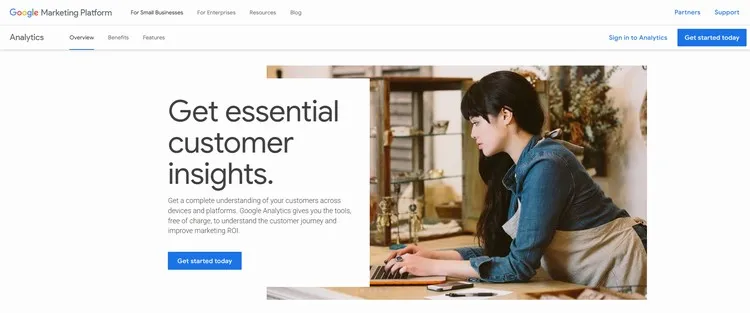
Google Analytics (GA) is where you go to really understand who is visiting your site and what they do when they get there. It’s not just about counting visitors; it’s about figuring out where they’re coming from, what pages they love (or hate), and how long they stick around.
For me, GA is crucial in spotting trends. Are my social media campaigns driving the right traffic? Is a particular blog post causing visitors to bounce? With GA, I can see all of this and adjust my strategies accordingly. It also integrates seamlessly with Google Search Console, giving you a 360-degree view of your SEO efforts.
Primary Features:
- Traffic Sources: See where your website traffic is coming from (organic search, social media, referrals, etc.).
- User Behavior: Understand how users interact with your website, including which pages they visit, how long they stay, and their bounce rate.
- Conversions: Track your website’s goals and conversions, such as form submissions, e-commerce transactions, and more.
- Real-Time Data: Monitor your website’s traffic in real-time and see what users are doing on your site right now.
- Custom Reports: Create custom reports to track the metrics that are most important to your business.
Pros:
- Comprehensive Data: GA provides a wealth of data about your website’s traffic, user behavior, and conversions.
- Integration with Other Tools: Integrates seamlessly with other Google tools like Google Ads and Google Search Console.
- Customizable: You can customize GA to track the metrics that are most important to your business.
Cons:
- Can Be Overwhelming: The sheer amount of data can be overwhelming for beginners.
- Data Privacy Concerns: GA has faced some criticism regarding data privacy, so it’s important to be transparent with your users about how you’re using their data.
Affiliate Program: No direct affiliate program.
Go to Google Analytics3. Ubersuggest: Your All-in-One SEO Sidekick 🔑
Overview:
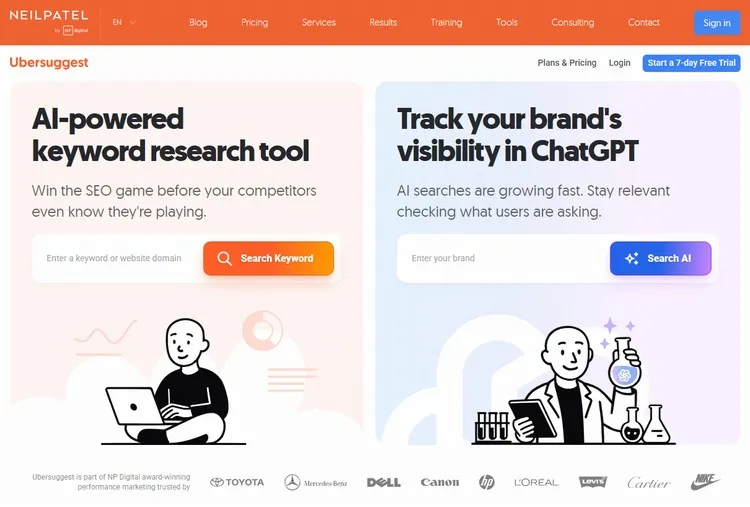
Created by Neil Patel, Ubersuggest is the tool I turn to when I need a quick but thorough SEO overview. It’s like having a Swiss Army knife for your website. Keyword research, site audits, rank tracking — it’s all there.
I’ve found it especially useful for uncovering new keyword opportunities I hadn’t thought of. The content ideas feature has also sparked some of my most successful blog posts. While the free plan has its limits, it’s more than enough to get a solid grasp of your SEO standing. Plus, it’s super user-friendly, which is always a win in my book.
Primary Features:
- Keyword Research: Find profitable keywords with detailed data on search volume, competition, and cost-per-click.
- Site Audit: Identify technical SEO issues that could be holding your website back.
- Rank Tracking: Monitor your website’s rankings for your target keywords.
- Competitor Analysis: See what your competitors are ranking for and identify their top keywords.
- Content Ideas: Discover content ideas based on your target keywords.
Pros:
- User-Friendly Interface: Ubersuggest has a clean, intuitive interface that’s easy to navigate.
- Comprehensive Features: It offers a wide range of features, from keyword research to site audits.
- Affordable: While it has paid plans, the free plan offers a generous amount of data.
Cons:
- Limited Data on Free Plan: The free plan has some limitations on the amount of data you can access.
- Accuracy: Some users have reported that the data isn’t always as accurate as other tools.
Affiliate Program: Yes, Ubersuggest has an affiliate program that pays a recurring commission for every user you refer.
Go to Ubersuggest4. MozBar: SEO Metrics at a Glance ⚙️
Overview:
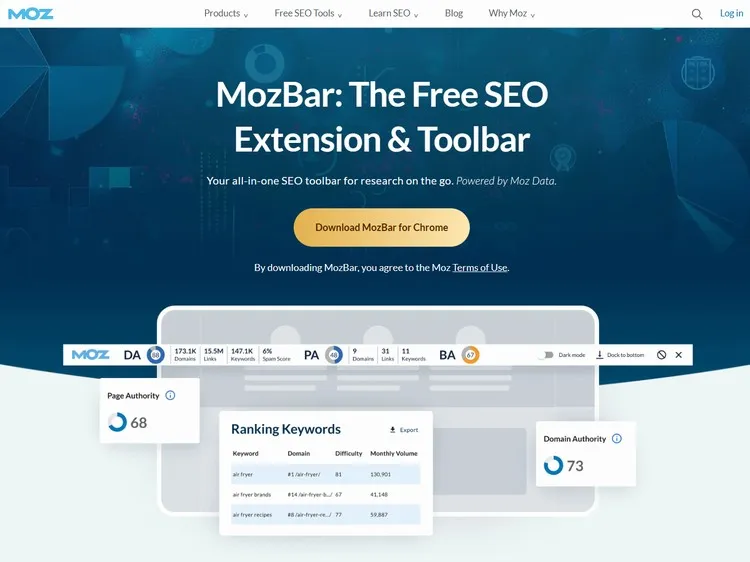
MozBar is my go-to Chrome extension for on-the-fly SEO insights. It’s incredibly handy for instantly checking the Domain Authority (DA) and Page Authority (PA) of any website. When I’m researching competitors, this tool is a lifesaver.
With MozBar, I can quickly assess the strength of a competitor’s site and understand why they might be ranking higher for certain keywords. The link metrics are also super useful for identifying potential backlink opportunities. While the free version has limitations, it’s an invaluable tool for any SEO enthusiast.
Primary Features:
- Page Authority (PA): A metric that predicts how well a specific page will rank in search results.
- Domain Authority (DA): A metric that predicts how well an entire domain will rank in search results.
- Link Metrics: See the number of backlinks to a page or domain.
- Keyword Highlighting: Highlights the keywords on a page.
- Custom Searches: Create custom search profiles for different search engines, regions, and more.
Pros:
- Easy to Use: It’s a simple Chrome extension that’s easy to install and use.
- Quick Insights: Provides instant SEO metrics for any website or search result.
- Free: The basic version of MozBar is free.
Cons:
- Limited Data: The free version has some limitations on the amount of data you can access.
- Moz Account Required: You need a Moz account to use MozBar.
Affiliate Program: No direct affiliate program for MozBar, but Moz Pro has an affiliate program.
Get MozBar5. SEMrush Free Account: A Taste of Power ⚡
Overview:
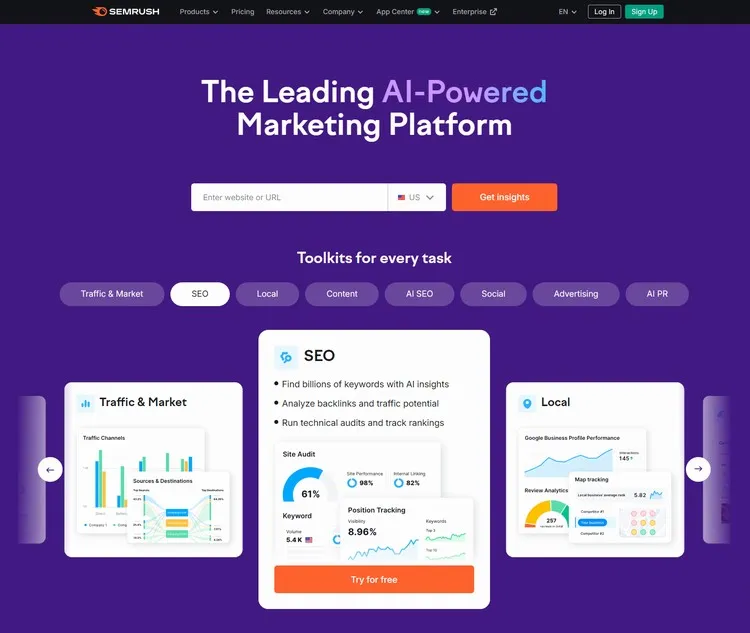
SEMrush is undoubtedly one of the big players in the SEO world, and even their free account packs a punch. I use it to get a snapshot of my website’s performance and peek into what my competitors are up to.
The keyword research and site audit tools are top-notch, providing data that helps me fine-tune my SEO strategy. While the free account limits your usage, it’s a great way to dip your toes in and see what SEMrush can do. For serious SEO professionals, upgrading to a paid plan is a no-brainer.
Primary Features:
- Keyword Research: Find profitable keywords with detailed data on search volume, competition, and cost-per-click.
- Competitor Analysis: See what your competitors are ranking for and identify their top keywords.
- Site Audit: Identify technical SEO issues that could be holding your website back.
- Rank Tracking: Monitor your website’s rankings for your target keywords.
- Backlink Analysis: Analyze your website’s backlink profile and identify potential link-building opportunities.
Pros:
- Powerful Features: Even the free account offers access to some of SEMrush’s most powerful features.
- Comprehensive Data: SEMrush provides a wealth of data about keywords, competitors, and your website’s performance.
- Trial Option: The free account allows you to try out SEMrush before committing to a paid plan.
Cons:
- Limited Usage: The free account has strict limitations on the number of reports and searches you can run.
- Paid Plan Required for Full Access: To unlock all of SEMrush’s features, you need to upgrade to a paid plan.
Affiliate Program: Yes, SEMrush has a generous affiliate program that pays a recurring commission for every user you refer.
Go to SEMrush6. Ahrefs Free Webmaster Tools: Unlock Your Site’s Potential 🗝️
Overview:
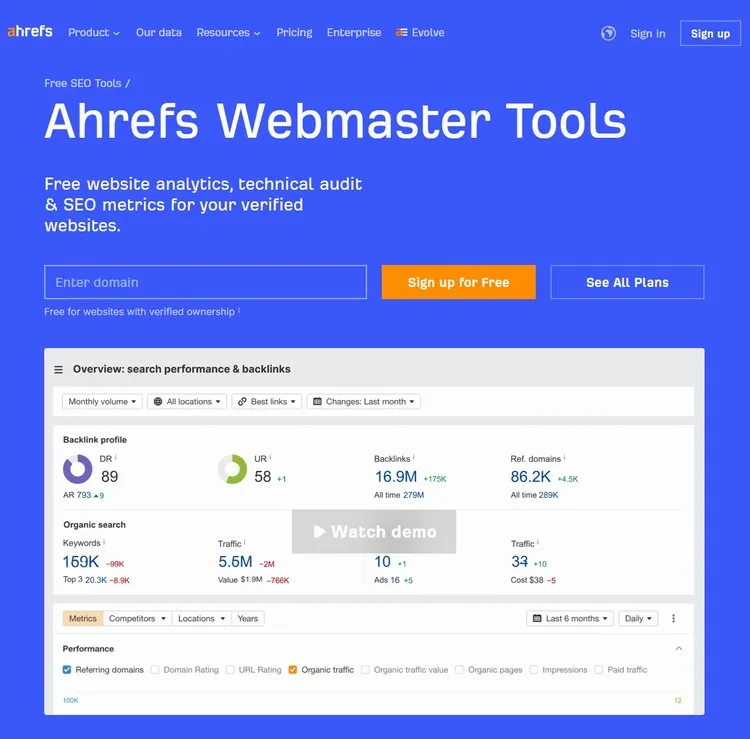
Ahrefs is often touted as the gold standard in SEO tools, and for good reason. Their Free Webmaster Tools are a fantastic way to get a taste of their power without spending a dime. By verifying my website, I get access to a wealth of data, including a detailed site audit, backlink analysis, and keyword rankings.
I particularly love the site audit feature, which identifies technical SEO issues that could be holding my website back. The backlink checker is also incredibly useful for finding new link-building opportunities.
Primary Features:
- Site Audit: Scan your website for over 100 technical SEO issues.
- Backlink Checker: See who’s linking to your website.
- Keyword Explorer: Discover the top keywords your site ranks for.
Pros:
- Actionable Data: Get clear recommendations on how to improve your site’s SEO.
- Competitive Analysis: Understand your competitors’ backlink strategies.
- User-Friendly: Easy-to-navigate interface, even for beginners.
Cons:
- Limited Access: The free tools only provide a subset of the data available in the paid version.
- Verification Required: You need to verify ownership of your website to access the tools.
Affiliate Program: No direct affiliate program for the free tools, but Ahrefs does have an affiliate program for its paid plans.
Go to Ahrefs7. AnswerThePublic: Dive into Customer Intent ❓
Overview:
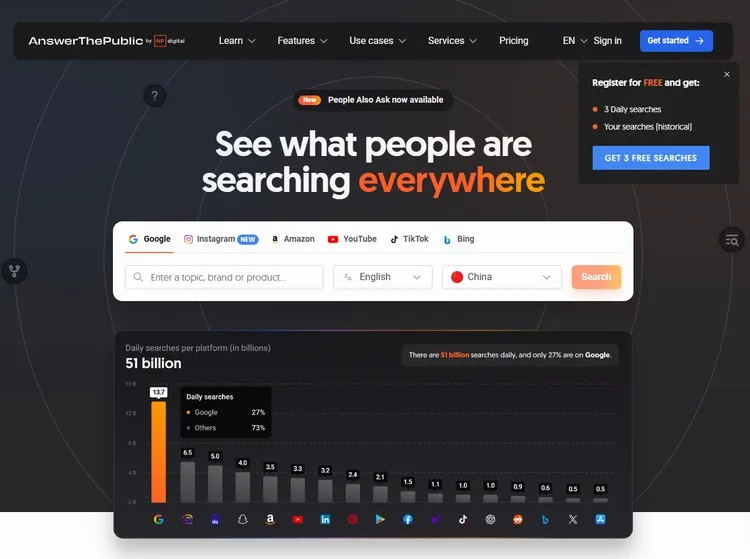
If you want to truly understand your audience, AnswerThePublic is the tool you need. It helps you uncover the questions, queries, and concerns that people have around your target keywords. I use it to generate content ideas that directly address my audience’s needs.
The visualized search queries make it easy to spot trends and identify opportunities. While the free version limits the number of searches you can perform each day, it’s more than enough to spark your creativity.
Primary Features:
- Question Research: Find questions, prepositions, comparisons, and related keywords.
- Visualization: See search queries visualized in an easy-to-understand format.
- Content Ideas: Generate a wealth of content ideas based on real user queries.
Pros:
- Unique Approach: Provides a different perspective on keyword research.
- Content Inspiration: Helps you create content that truly resonates with your audience.
- Free for Basic Use: The free version allows a limited number of searches per day.
Cons:
- Limited Free Searches: You can only perform a few searches per day on the free plan.
- No Metrics: Doesn’t provide search volume or other traditional keyword metrics.
Affiliate Program: No direct affiliate program.
Go to AnswerThePublic8. Keywords Everywhere: Keyword Data in Your Browser 🌐
Overview:
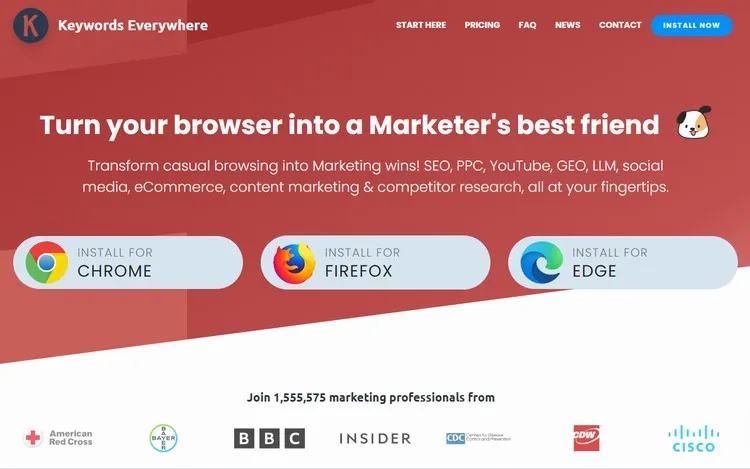
Keywords Everywhere is a browser extension that provides keyword data right in your search results. It’s super convenient for getting quick insights without having to switch to a dedicated keyword research tool.
Although it’s no longer completely free, the credit-based system is quite affordable. I use it to check search volume, CPC, and competition data for keywords I’m targeting. It’s a great way to stay informed and make data-driven decisions.
Primary Features:
- Search Volume: See the monthly search volume for any keyword.
- CPC Data: View the cost-per-click for keywords in Google Ads.
- Competition Data: Get an estimate of the competition for keywords.
Pros:
- Convenient: Displays data directly in your browser.
- Affordable: The tool uses a credit-based system, which can be very cost-effective.
- Easy to Use: Simple and straightforward to install and use.
Cons:
- Not Entirely Free: While it used to be completely free, you now need to purchase credits to see search volume data.
- Accuracy: Data may not always be 100% accurate.
Affiliate Program: No direct affiliate program.
Get KeywordsEverywhere9. SEOquake: The Swiss Army Knife of SEO Extensions 🛠️
Overview:
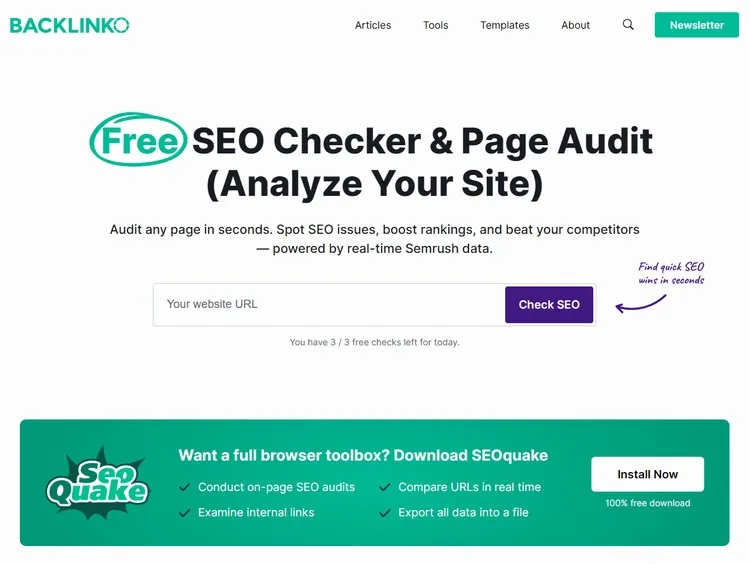
SEOquake is another fantastic browser extension from SEMrush that provides a wealth of SEO data for any webpage. It’s like having a Swiss Army knife for SEO, right in your browser.
I use it to run quick SEO audits, track keyword rankings, and analyze backlink profiles. The page information feature is also incredibly useful for viewing key SEO metrics like PageRank and Alexa Rank.
Primary Features:
- SEO Audit: Run a quick SEO audit of any webpage.
- Rank Tracking: See your website’s rankings for specific keywords.
- Backlink Analysis: Analyze your website’s backlink profile.
- Page Information: View key SEO metrics like PageRank, Alexa Rank, and more.
Pros:
- Comprehensive Data: Provides a wide range of SEO metrics.
- Customizable: You can customize the data that’s displayed.
- Free: The basic version of SEOquake is free.
Cons:
- Can Be Overwhelming: The amount of data can be overwhelming for beginners.
- SEMrush Integration: Some features require a SEMrush account.
Affiliate Program: No direct affiliate program for SEOquake, but SEMrush has an affiliate program.
Get SEOquake10. Screaming Frog SEO Spider: Your Website’s Personal Auditor 🐸
Overview:
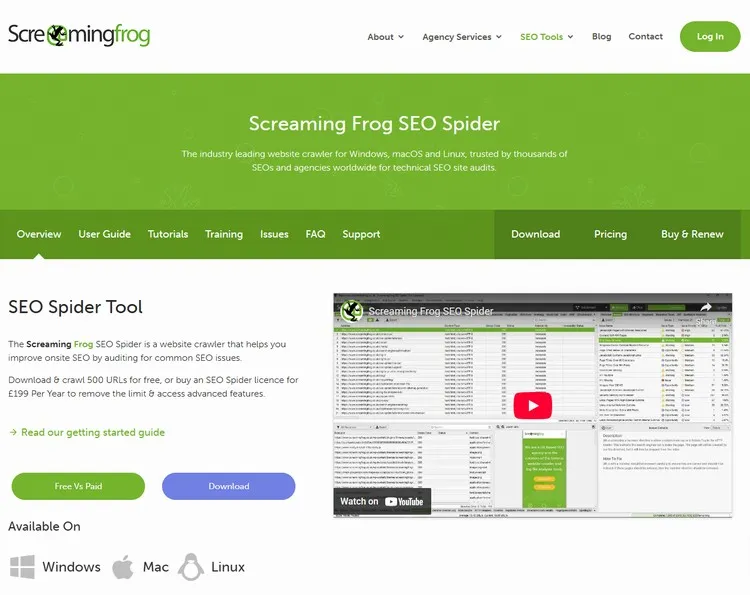
Screaming Frog SEO Spider is a desktop program that crawls your website and identifies technical SEO issues. It’s like having your own personal SEO auditor, but without the hefty price tag.
I use it to find broken links, duplicate content, and other issues that could be hurting my website’s SEO. The free version allows you to crawl up to 500 URLs, which is more than enough for small to medium-sized websites.
Primary Features:
- Crawling: Crawl your website and identify broken links, duplicate content, and other issues.
- SEO Audit: Perform a detailed SEO audit of your website.
- XML Sitemap Generation: Generate an XML sitemap for your website.
Pros:
- Comprehensive: Identifies a wide range of technical SEO issues.
- Customizable: You can customize the crawl settings to focus on specific areas of your website.
- Free for Small Sites: The free version allows you to crawl up to 500 URLs.
Cons:
- Desktop Program: It’s a desktop program, so it requires installation.
- Limited Free Crawls: The free version only allows you to crawl up to 500 URLs.
Affiliate Program: No direct affiliate program.
Download Screaming Frog11. SERPwoo Free Account: Get Access to SERP Data 🚀
Overview:
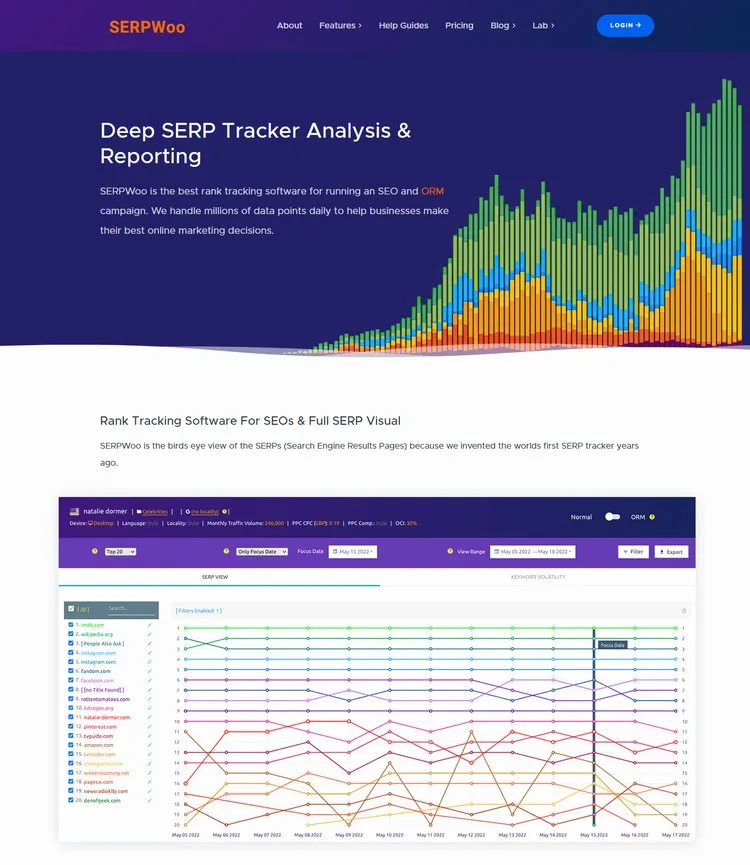
SERPwoo offers real-time access to SERP (Search Engine Results Page) data. Although it’s a premium tool, you can get started with a free account to explore its capabilities.
I find their SERP tracking and competitor monitoring features particularly useful. It allows me to keep a close eye on ranking fluctuations and competitor strategies. While the free plan has its limitations, it provides valuable insights into the world of search engine results.
Primary Features:
- SERP Tracking: Track keyword rankings in real-time.
- Competitor Monitoring: Monitor competitor rankings and strategies.
- Data Export: Export SERP data for analysis.
Pros:
- Real-Time Data: Offers up-to-date information on SERP changes.
- API Access: Provides API access for developers.
- Free Plan Available: Allows limited access to SERP data for free.
Cons:
- Limited Free Usage: The free plan has strict limitations on the amount of data you can access.
- Premium Features: Full access requires a paid subscription.
Affiliate Program: Yes, SERPwoo has an affiliate program, offering commissions for referred users.
Go to SERPwooWrapping Up: Your Free SEO Journey Begins Now! 🏁
So there you have it—a robust collection of free SEO tools that can help you rank #1 without spending a dime. Each of these tools offers something unique, and when used together, they can provide a comprehensive view of your website’s SEO performance.
Remember, SEO is a marathon, not a sprint. It takes time and effort to see results, but with the right tools and strategies, you can achieve your goals.
Now, try out these free seo tools, start optimizing your website and contents.