
You might be wondering why I still write this post because AI-generated images are becoming more realistic than ever, with just a prompt, a stunning logo, prototype, icon, flyer, template, or even photorealistic picture comes right in front of your face. What’s even crazy is that most of these AI-generated images offer commercial usage rights.
It’s true, AI images are gaining public acceptance, but the authenticity, emotional depth, cultural message conveyed and originality can not be replace, at least for now.
If you’ve ever struggled to find the perfect font, graphic, or stock image, you know how important it is to have the right tools at your fingertips. The platforms we’ve gathered here offer everything from unique graphics and fonts to mockups and templates - resources that are often more customizable and personal than anything AI can generate. Plus, you get the added benefit of supporting creative communities and independent artists.
In this article, we’ll walk you through 10+ of the best websites where you can find high-quality digital assets — both free and paid. You’ll learn why these platforms are essential to any designer’s toolkit and how they can help you take your projects to the next level.
1. Creative Fabrica
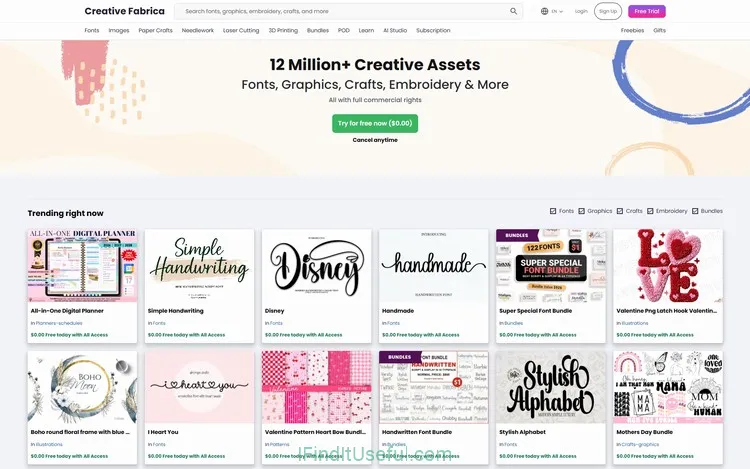
Creative Fabrica is a craft-first marketplace turned all-in-one creative subscription. It’s strongest for fonts, craft assets (SVGs, cut files, embroidery), huge bundles, an easy POD-friendly license, and built-in design/AI tools — which makes it different from general stock photo sites or pure marketplaces.
Key Features
- Craft + fonts focus: Massive, well-organized libraries for fonts, SVGs, embroidery, and Cricut/Silhouette files. Tailored to crafters and small product creators.
- All‑Access subscription model: Unlimited downloads (while subscribed) across fonts, graphics, templates, mockups, classes, embroidery files, and some POD - ready assets.
- Generous POD licensing: Clear Basic/Full POD rules that let you use many assets on print‑on‑demand platforms without extra licensing headaches.
- Big bundles and steals: Frequent massive bundles and lifetime/one‑time deals aimed at hobbyists and small businesses.
- Learning + community: Tutorials, courses, and craft‑specific guides included.
- Built-in tools: Creative Fabrica Studio (online editor) and AI image/font tools directly on the site.
- Niche inventory: More craft/embroidery/hand‑made focused assets than marketplaces like Envato/Creative Market or stock photo sites.
Pros
- Huge, craft‑centric library (fonts, SVGs, embroidery).
- All‑Access makes downloads simple/cheap for heavy users.
- Clear, creator‑friendly commercial & POD licensing.
- Frequent bundles and substantial value deals.
- Beginner‑friendly tools and tutorials included.
- One place for fonts + craft files + classes + AI tools.
Cons
- Subscription limits: assets downloaded during subscription lose commercial rights when subscription ends (unless purchased separately).
- Variable quality: marketplace model means uneven asset quality; you must vet creators.
- Not a stock photo/original vector specialty: lacks the depth of Shutterstock/123RF for editorial photos or vetted high‑end vectors.
- Overlap & redundancy: many similar or low‑effort assets (common on large marketplaces).
- Pricing confusion: occasional promo pricing and trial rules can be a bit opaque if you don’t read terms.
2. Envato Elements
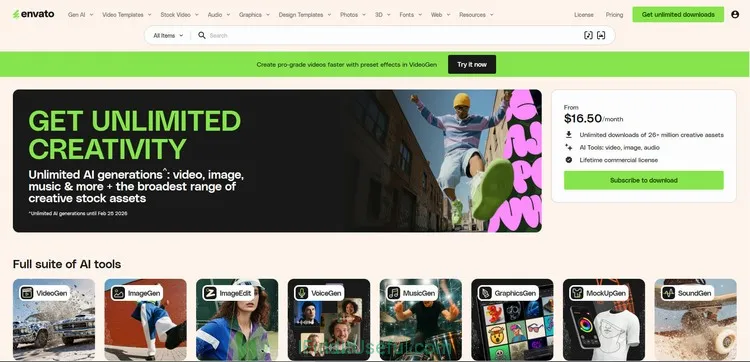
Envato Elements is a massive subscription for digital creators — offering unlimited downloads of vetted, high‑quality creative assets (graphics, templates, fonts, stock photos, video, audio, and more) with a single commercial license. It’s aimed at agencies, freelancers, and makers who need reliable, professional assets across many media types.
Key Features
- Breadth and quality: Deep library that spans photos, stock video, motion templates, sound effects, music, fonts, graphics, presentation templates, UI kits, and WordPress themes/plugins (via Envato Market integration).
- Single unified commercial license: One license covers most use cases (commercial/web/print/POD with some limits), simplifying legal headaches.
- High production value: Many assets are created by professional designers and studios — fewer low‑effort fillers than some marketplaces.
- Templates and motion assets: Strong for video creators — After Effects templates, Premiere templates, stock video, and motion graphics.
- Team features: Easy multi‑seat plans and license management for agencies and teams.
- Regularly curated collections and helpful categorization for faster discovery.
Pros
- Unlimited downloads across diverse asset types with one license.
- High quality, professionally produced assets.
- Excellent for multimedia projects (video + audio + graphics).
- Consistent licensing that’s easy to understand and manage.
- Team and business plans for agencies.
- Integrations (Adobe, plugins) and organized search/filters.
Cons
- No perpetual ownership of downloaded items for some uses — licensing is subscription‑based and you must download while subscribed and follow license rules to use after unsubscribing (you can keep using previously downloaded assets per the license but must record proof of download).
- Not all niche craft assets (e.g., Cricut/embroidery) are well represented.
- Some premium, exclusive items still sold separately on Envato Market (e.g., certain WordPress themes/plugins require separate purchase).
- Large library means occasional variable quality; not every result is top tier.
- Pricey for single users compared with occasional single-item purchases.
3. Creative Market
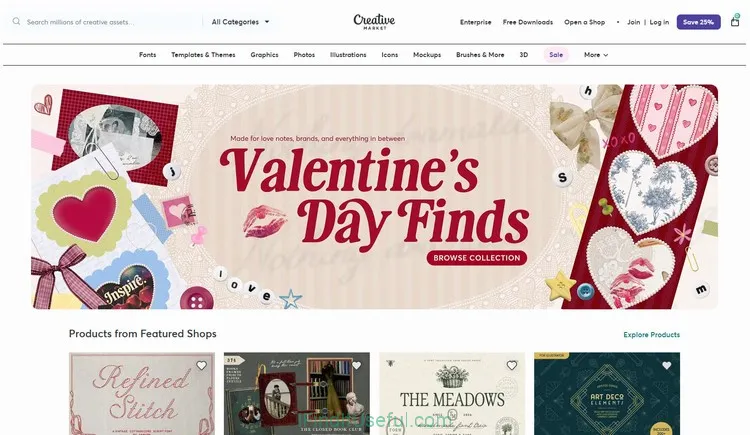
Creative Market is a curated marketplace for independent creators—ideal if you want unique fonts, graphics, templates, mockups, and handcrafted design resources sold per item by individual makers. It’s a go‑to when you want original, boutique assets with straightforward one‑time licenses.
Key Features
- Indie creator focus: Assets are made and sold by independent designers—lots of original, stylistic, handmade work you won’t find on huge stock sites.
- Per‑item purchases: Buy single items with a simple commercial license (no mandatory subscription).
- Strong for branding and UI: High‑quality fonts, logos, website themes, UI kits, and presentation templates are well represented.
- Curated feel: Marketplace curation and editorial features surface standout shops and seasonal collections.
- Community & creators: Shop pages, designer profiles, and direct support from sellers make it feel artisanal and creator‑driven.
- Monthly free goods: A rotating set of free downloads each month (great for sampling).
Pros
- Unique, boutique‑style assets with strong aesthetics.
- One‑time purchases—no subscription required.
- Clean licensing for commercial use (standard and extended options).
- Great for branding, web/UI, fonts, and crafted graphic packs.
- Strong seller ecosystem: direct support from creators, frequent updates.
Cons
- Can be pricier per item compared with bundle sites or subscription services.
- Quality varies by seller; not every item is professionally vetted to the same degree.
- Not ideal for heavy, high‑volume downloads—costs add up if you need many assets.
- Limited stock photo/video compared with dedicated stock libraries.
- Fewer craft/Cricut/embroidery‑specific assets than craft‑focused marketplaces.
4. Freepik
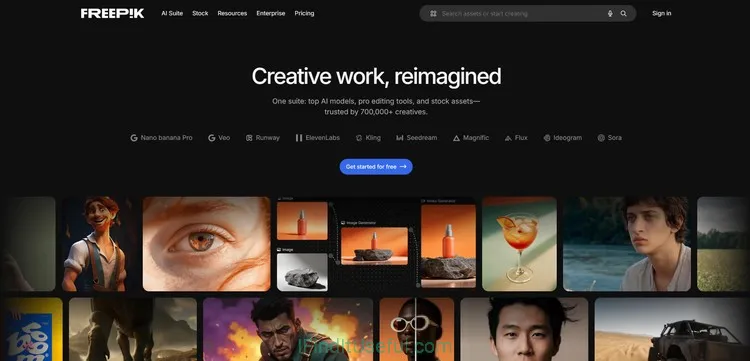
Freepik is a massive, design‑focused resource for vectors, illustrations, icons, photos, and PSDs—with a freemium model that makes it a go‑to for designers needing editable graphics fast.
Key Features
- Vector & editable asset focus: huge library of SVGs, EPS, AI files, PSD mockups, and layered resources that designers can customize.
- Freemium model: many free assets (with attribution) and a paid Premium tier that removes attribution and unlocks more content.
- Quantity and variety: one of the largest collections of icons, illustrations, patterns, and graphic packs on the web.
- Ease of use: searchable categories, file previews, and downloadable source files ready for editing.
- Contributor ecosystem: professional and amateur authors supplying thousands of regularly updated packs.
Pros
- Huge, design‑ready library—excellent for UI, marketing, and quick mockups.
- Free assets available (attribution required) for low‑budget projects.
- Premium removes attribution and gives access to higher‑quality or exclusive items.
- Editable source files (AI/PSD/EPS/SVG) save time in workflows.
- Affordable subscription for heavy users.
Cons
- Attribution required for free use—can be inconvenient for professional projects.
- Quality varies; some vectors are generic or poorly constructed.
- Licensing limits: redistribution/resale and some commercial uses require careful reading or Premium/extended licenses.
- Not a primary source for stock video or high‑end editorial photos.
- Overused assets: popular items can appear across many projects.
5. DesignBundles
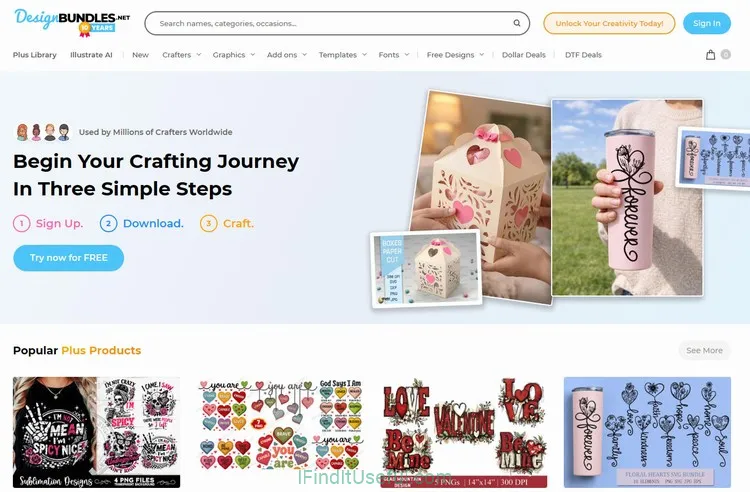
DesignBundles is a marketplace built around accessible design resources and heavy discount bundles—great for crafters, small business owners, and hobby designers who want affordable SVGs, graphics, fonts, and mockups without a subscription.
Key Features
- Bundle-first: Large, frequently offered bundles and deal packs that deliver big value for a one‑time price.
- Craft and print focus: Strong selection of SVGs, cut files, clipart, and printable designs aimed at Cricut/Silhouette/POD users.
- Simple one‑time purchases: Buy assets outright (perpetual license) rather than relying on a subscription.
- Sister sites & ecosystem: Tight integration with FontBundles and TheHungryJPEG (shared promos and creators).
- **Affordable pro graphics: **Lots of budget-friendly small packs and seasonal bundles for hobbyists.
- Clear licensing: Straightforward commercial license options for small business use and POD.
Pros
- Excellent value via bundles and frequent sales.
- Perpetual, single‑purchase licenses—you own the file.
- Focused library for crafters and POD sellers (SVGs, clipart, mockups).
- User‑friendly site and fast discovery of themed packs.
- Often cheaper than individual items on larger marketplaces.
Cons
- Quality varies—many low‑cost assets mean you must vet files.
- Not as deep in editorial stock photos, video, or premium UI/templates.
- Smaller library of high‑end professional assets compared with Envato Elements or Shutterstock.
- Licensing: good for small commercial use, but read fine print if you need enterprise or mass‑merch resale rights.
- Search and categorization can feel repetitive because of many similar packs.
6. FontBundles
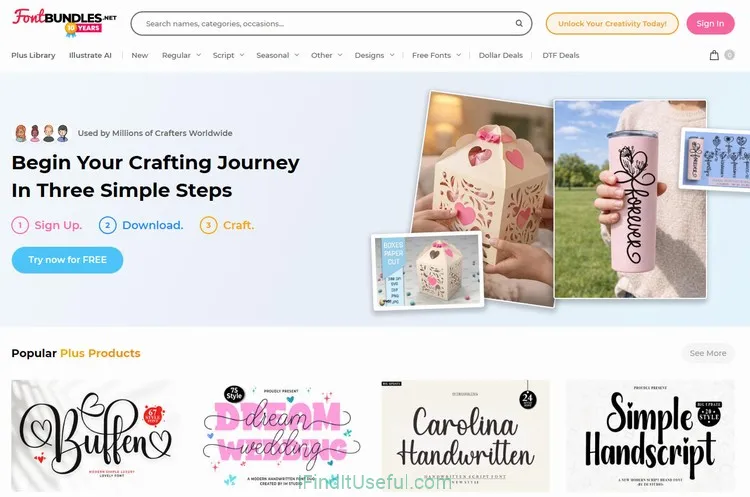
FontBundles is a font-focused marketplace that pairs affordable single‑font purchases with frequent bundle deals and clear, creator‑friendly licensing—perfect if you want high value on typefaces without a subscription.
Key Features
- Font-first: Dedicated exclusively to fonts (and font bundles), so discovery and categorization are tailored for type buyers.
- Big bundle deals: Regularly offers massive font bundles (sometimes hundreds of families) at steep one‑time discounts.
- Perpetual licenses: Buy once and keep the font and license for ongoing use (standard vs. extended options available).
- Font testing and previews: Strong preview tools (live text, language support, pairing suggestions) to test type before buying.
- Sister sites ecosystem: Works closely with DesignBundles and TheHungryJPEG for cross‑promos and coordinated sales.
- Community of independent foundries: Many indie designers sell directly, giving unique and boutique options.
Pros
- Excellent value via large, occasional bundles.
- One‑time purchases = perpetual ownership.
- Focused search and preview features make choosing fonts easier.
- Clear licensing for commercial use and merchandising (extended licenses available).
- Great for designers, branding work, and creatives who need type variety without subscriptions.
Cons
- Quality varies across independent sellers—some fonts are amateur or poorly hinted.
- Less variety beyond fonts (limited graphics, no stock photos/video).
- Bundle deals can include many fonts you don’t need; sift carefully.
- Extended or multi‑user licenses can be costly for larger teams or mass‑production use.
- Not ideal if you prefer unlimited downloads (no all‑access subscription for unlimited font downloads).
7. MightyDeals
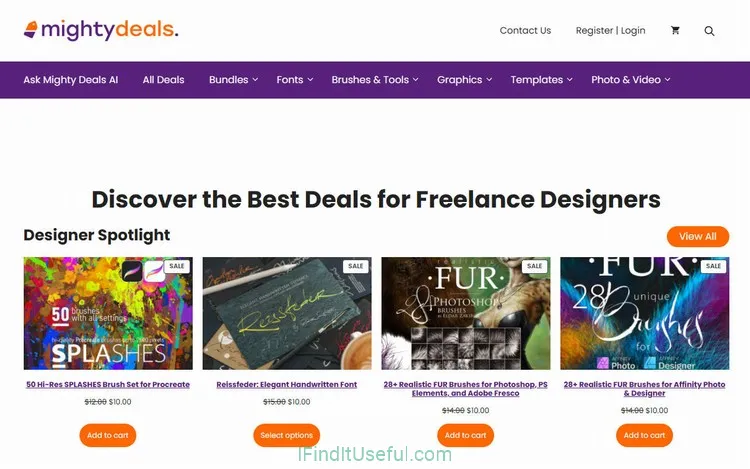
MightyDeals is a deals‑centric marketplace that historically aggregated steep, time‑limited discounts on fonts, graphics, templates, plugins, and design tools—aimed at bargain hunters and designers who love big one‑time savings.
Key Features
- Deal aggregator: Focus on flash sales, one‑day/limited offers, and heavily discounted bundles rather than a large always‑on catalog.
- Tools + assets mix: Sales have covered fonts, mockups, templates, plugins, and software — not just static graphics.
- Value for buyers: Big percentage discounts (often 70–95%) on normally pricey assets or suites.
- Simple one‑time purchases: Deals are bought outright with perpetual licenses (per the deal terms).
Pros
- Huge discounts on high‑value packs and software.
- Great for building a resource library cheaply.
- One‑time purchases = permanent access per license.
- Good for freelancers and small studios on a tight budget.
Cons
- Inconsistent catalog: inventory depends on negotiated deals—what’s available varies a lot.
- Limited curation/quality control: some deals bundle lower‑quality items to pad value.
- Time pressure: flash‑sale model can push rushed buys.
- Fewer niche craft assets and stock media compared with bigger marketplaces.
- Deals site risks: some marketplaces like this change ownership or shut down deals, so long‑term reliability can vary.
8. DesignHill
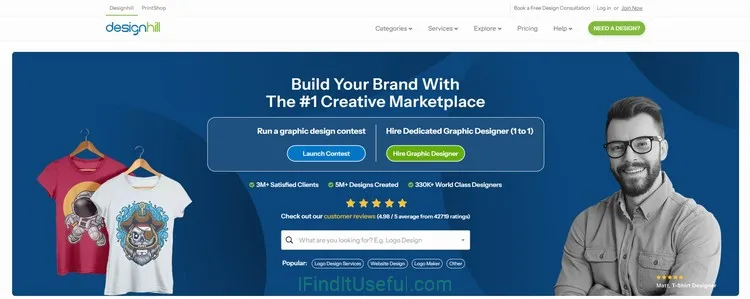
Designhill is a design‑services platform first and a marketplace second—best known for crowdsourced logo contests, on‑demand custom design services, and a freelancer marketplace. It’s for businesses that want custom branding or one‑off professional design work without hiring an agency.
Key Features
- Crowdsourced design contests: Run a contest where many designers submit concepts; you pick the winner and buy the rights.
- On‑demand services: Fixed‑price services (logo, business card, packaging, social media kits) delivered by vetted designers.
- Freelancer marketplace: Hire individual designers directly for custom projects.
- Logo maker tool: AI/templated logo generator for quick DIY branding.
- Printshop & brand kits: Option to order printed assets and packaged brand deliverables after design selection.
Pros
- Multiple routes to get custom design: contests, one‑to‑one hires, or DIY logo tool.
- Good for non‑designers who want many concept options from different styles.
- Simplifies rights transfer—winner gets full ownership per package.
- Useful extras: print fulfillment and brand kit generation.
- Transparent project workflows and milestone payments.
Cons
- Quality varies by participating designers—contests can yield uneven results.
- Contests can be expensive relative to hiring a single vetted freelancer.
- Potential intellectual‑property risk if designers reuse concepts elsewhere—due diligence needed.
- Not ideal for those who only need stock assets or large libraries of templates.
- Customer support and dispute resolution can be hit‑or‑miss depending on complexity.
9. GraphicRiver
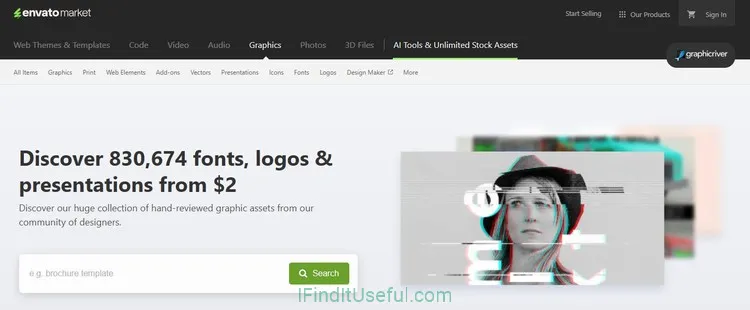
GraphicRiver (part of Envato Market) is a pay‑per‑item marketplace focused on single, professional design assets—think templates, graphics, logos, icons, and web elements sold individually by creators. It’s ideal when you want one polished asset (not a subscription) with clear licensing and broad category coverage.
Key Features
- Itemized marketplace: Buy single assets—templates, PSDs, vectors, icons, presentation templates, and more—without a subscription.
- Professional focus: Large selection of production‑ready templates for print, web, and presentation use.
- Envato Market ecosystem: Integrates with ThemeForest, Codecanyon, VideoHive, etc., for complementary purchases across media and code.
- Author reputation & reviews: Items rated and reviewed, with author portfolios to vet sellers.
- Licensing clarity: Simple Standard and Extended licenses to cover different commercial needs.
Pros
- Buy only what you need—no subscription required.
- Extensive library of professional templates and design assets.
- Often more specialized, production‑ready files than general marketplaces.
- Strong seller ecosystem with ratings and version updates.
- One‑time purchases with perpetual use per license terms.
Cons
- Can be more expensive per item than bargain bundle sites.
- License restrictions can be confusing for complex use cases (extended license needed for redistribution/resale).
- Not focused on craft/Cricut/embroidery—more general design/production assets.
- Quality varies by author; vet items and check file previews carefully.
- No unlimited downloads—costs add up if you need many assets.
10. Pixabay
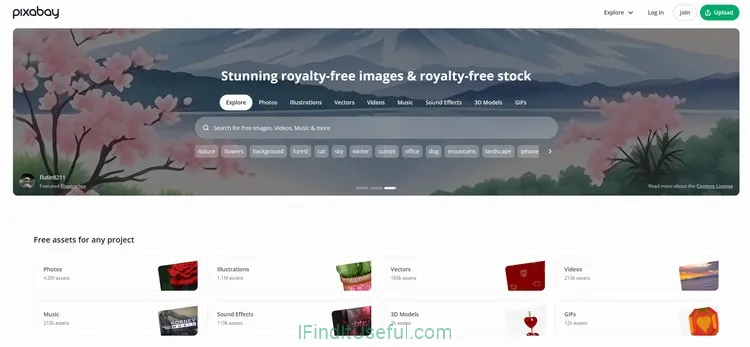
Pixabay is a free media library offering high‑quality photos, illustrations, vectors, and short videos under a very permissive license—ideal for creators who need royalty‑free visuals without cost or attribution.
Key Features
- **Completely free library: **Most images, vectors, and videos are free to download and use commercially under the Pixabay License.
- Broad media types: Photos, illustrations, vectors, music, sound effects, and short videos in one place.
- Easy, no‑friction use: No mandatory attribution and simple license terms for most uses (with some sensible restrictions).
- Community contributions: A large pool of user‑uploaded content, including amateur and pro work.
- Search simplicity: Clean, straightforward search and filters for common needs.
Pros
- Free for most commercial and personal uses (no attribution required).
- Large, easy-to-search collection across media types.
- Quick downloads and multiple resolution options.
- Great for hobbyists, small businesses, blogs, prototypes, and mockups.
- No subscription or paywall for standard content.
Cons
- Variable quality: mixes amateur and professional content; not every image is polished.
- Limited exclusivity: popular images are used widely, so visuals may feel generic.
- Fewer editorial/stock‑level assets compared with paid libraries (less curated).
- Some content overlaps with other free sites and may lack unique imagery.
- Advanced licensing (model/property releases, extended rights) may be limited—careful with sensitive uses.
11. Shutterstock
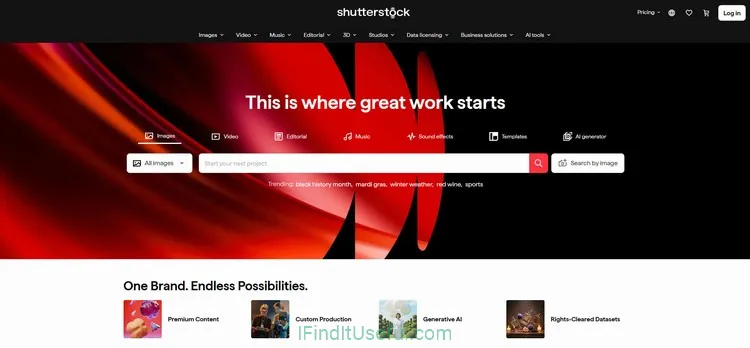
Shutterstock is a heavyweight, professional stock library known for massive scale, tightly curated collections, and robust licensing—ideal when you need dependable, high‑quality photos, vectors, videos, or music with clear legal coverage.
Key Features
- Massive, professional library: Hundreds of millions of photos, vectors, illustrations, footage, and music tracks from a wide mix of pro contributors and agencies.
- Strong curation and metadata: Advanced search, accurate tagging, and curated collections that make finding the right image fast.
- Editorial and niche coverage: Extensive editorial/newsroom content and niche categories that free sites rarely offer.
- Enterprise tools: API access, team account management, extended licensing, and rights‑managed options for large commercial uses.
- Consistent quality & legal clarity: Model/property releases, quality control, and clear licensing make Shutterstock reliable for commercial projects.
Pros
- Huge, well‑curated selection across photo, video, vector, and audio.
- High production value—many exclusive or hard‑to‑find images.
- Robust licensing options (standard and enhanced/extended) for commercial and large‑scale use.
- Enterprise features, APIs, and team management for agencies/businesses.
- Fast, powerful search and filter tools.
Cons
- Cost: pricier than free libraries and many microstock competitors for heavy usage.
- Overuse risk: popular images can show up everywhere unless you opt for higher‑cost exclusives/rights‑managed content.
- Subscription complexity: different plans and credits can be confusing.
- Not tailored to craft/Cricut niche or boutique creative bundles—focused on stock media.
- Some assets require extended licenses for large print runs or resale on merchandise.
If you need reliable, high‑quality stock for commercial, editorial, or client work and value legal certainty and curated search, Shutterstock is a perfect choice. But if you only need occasional free images or budget microstock—cheaper subscriptions, credit packs, or free libraries (Pixabay, Pexels) may suffice.
Go to Shutterstock12. 123RF
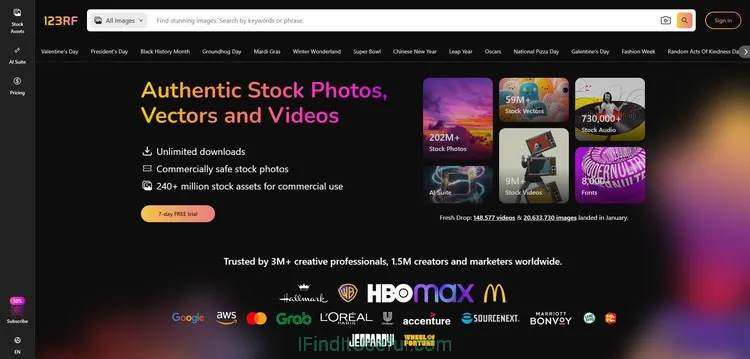
123RF is a solid, mid‑market stock library that balances affordability with a broad collection of photos, vectors, illustrations, audio, and video—good for businesses that need dependable stock without premium stock prices.
Key Features
- Mid‑tier stock service: Bigger and more polished than free sites, but generally cheaper than top‑tier libraries like Shutterstock.
- Wide media mix: Photos, vectors, illustrations, footage, and music in one place.
- Flexible buying options: Subscriptions for regular users, credit packs for occasional buyers, and on‑demand purchases.
- Commercial-ready assets: Model/property releases and clear licensing for most commercial uses.
- Localized presence: Strong global contributor base and regionally competitive pricing.
Pros
- Good balance of price and quality.
- Flexible purchase models (subscriptions and credits).
- Broad media types—useful for marketing, web, and print.
- Clear licensing and release handling for commercial use.
- Easier on the budget than some enterprise stock providers.
Cons
- Library size and curation are smaller than Shutterstock/Adobe Stock—fewer exclusive or highly specialized images.
- Image quality varies; some results are more generic.
- Search and metadata aren’t as refined as top competitors.
- Extended licensing and enterprise features are less robust.
- Popular images may be used widely (non‑exclusive).
13. Envato Tuts+
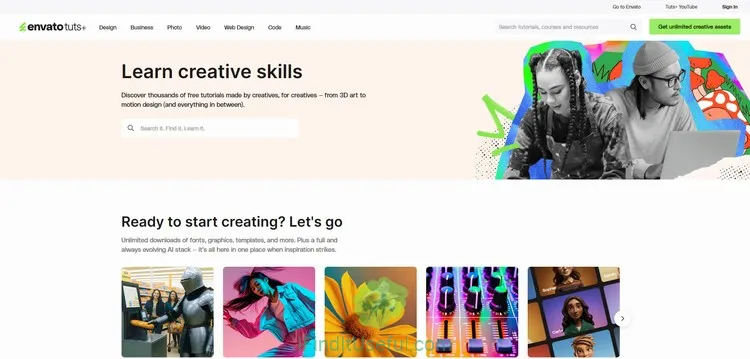
Tuts+ (by Envato) is an education-first platform that offers practical courses, tutorials, and eBooks for creatives and developers—ideal if you want hands‑on learning (design, code, illustration, motion, photography) rather than simply stock assets.
Key Features
- Learning focus: step‑by‑step tutorials, full courses, and project‑based lessons across design, web development, illustration, motion, and business skills.
- Practical, project‑driven content: lessons produce real deliverables (websites, UI kits, illustrations, animations).
- Large archive + written and video formats: searchable articles, screencasts, and downloadable resources.
- Integration with Envato ecosystem: courses often reference Envato Market/Elements assets and tools.
- Community and authorship: many industry practitioners publish concise, real‑world tutorials.
Pros
- High practical value—learn by building real projects.
- Wide topic range for creatives and developers.
- Mix of short tutorials and longer courses fits varied learning needs.
- Affordable access compared with full online universities.
- Helpful for upskilling in tools (Photoshop, Figma, After Effects, JS frameworks).
Cons
- Not a stock or asset marketplace—no large downloadable asset library by itself.
- Course depth varies; some tutorials are short primers rather than deep bootcamps.
- Learning experience can be fragmented across many short articles.
- Certification and instructor support are limited compared with paid bootcamps.
- Some up‑to‑date tech topics may lag fast‑moving tooling.
14. Pexels
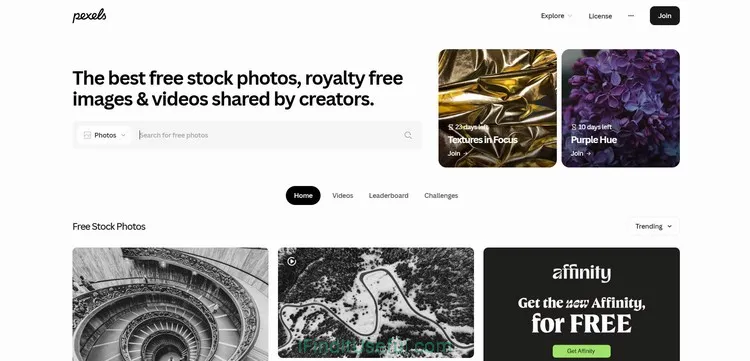
Pexels is a free stock photo and video library with high‑quality, easy‑to‑use visuals under a permissive license—great when you need polished, no‑cost imagery without attribution hassle.
Key Features
- Free, high‑quality photos and short videos curated from contributors and partnered sites.
- Clean, modern aesthetic—many images feel editorial and usable for marketing or social media.
- Simple permissive license: commercial use allowed, no attribution required (with common sensible restrictions).
- Fast search and useful collections/curation for trends, moods, and topics.
- Integration-friendly: many apps and platforms use Pexels API for easy embedding.
Pros
- No cost for most commercial and personal uses.
- High baseline quality—better curation than many free libraries.
- No attribution required (but appreciated).
- Good selection of lifestyle, business, and social media–friendly images and short clips.
- Easy downloads and multiple sizes/resolutions.
Cons
- Non‑exclusive content—popular images are widely used.
- Library smaller and less specialized than paid stock giants (fewer niche/editorial assets).
- Limited rights for sensitive uses (people/brands) — check releases for risky commercial or trademarked uses.
- No advanced enterprise licensing or extensive model/property guarantees like premium providers.
- Not ideal for high‑end, exclusive campaigns needing unique imagery.